> For the complete documentation index, see [llms.txt](https://emca.emudhra.com/llms.txt). Markdown versions of documentation pages are available by appending `.md` to page URLs; this page is available as [Markdown](https://emca.emudhra.com/previous-release-versions/v4.3.1/manage-emca/configure-mail-server.md).
# Configure Mail Server
## Mail Settings
An Administrator can view and edit the Email bodies of the different E-Mail Notification Service messages using the following dialog:
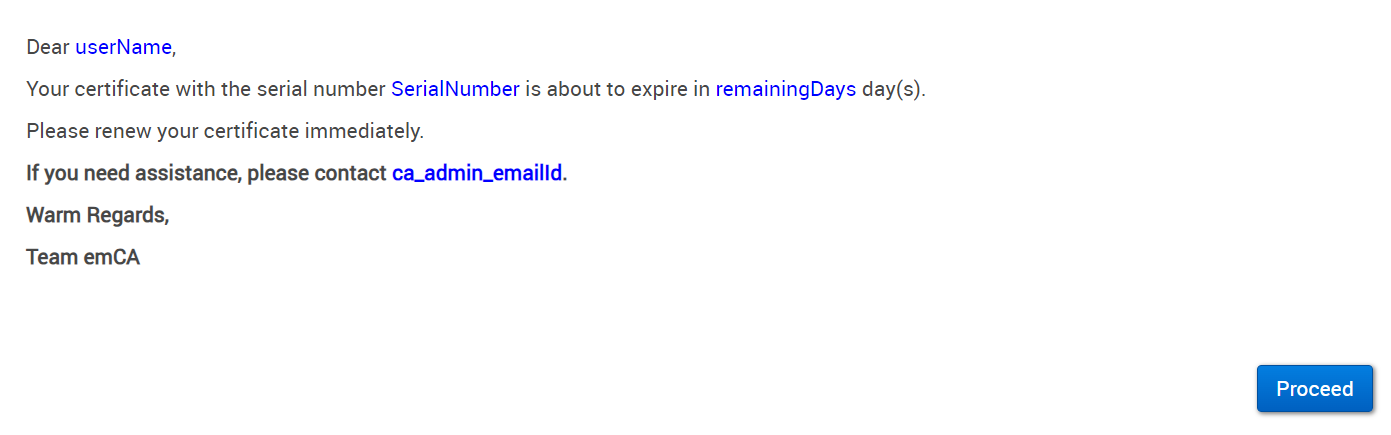
Click on to open the editor dialog for the respective mail type.The following is an example from Mail Type Officer:
Click into the text area to start editing.
Click on Proceed to continue.
You will be prompted to authenticate the registration:
Authenticate using your Administrator token and proceed by pressing Authenticate.
Click Sign and Save to save the changes.