> For the complete documentation index, see [llms.txt](https://emca.emudhra.com/llms.txt). Markdown versions of documentation pages are available by appending `.md` to page URLs; this page is available as [Markdown](https://emca.emudhra.com/previous-release-versions/v4.0.13/user-manual/view-ca-hierarchy/delete-certificates-and-key-pair.md).
# Delete Certificates & Key Pair
Delete of Root / CA certificates along with key pairs available in HSM or any other device can be done by using this option. This option is available only to administrators.
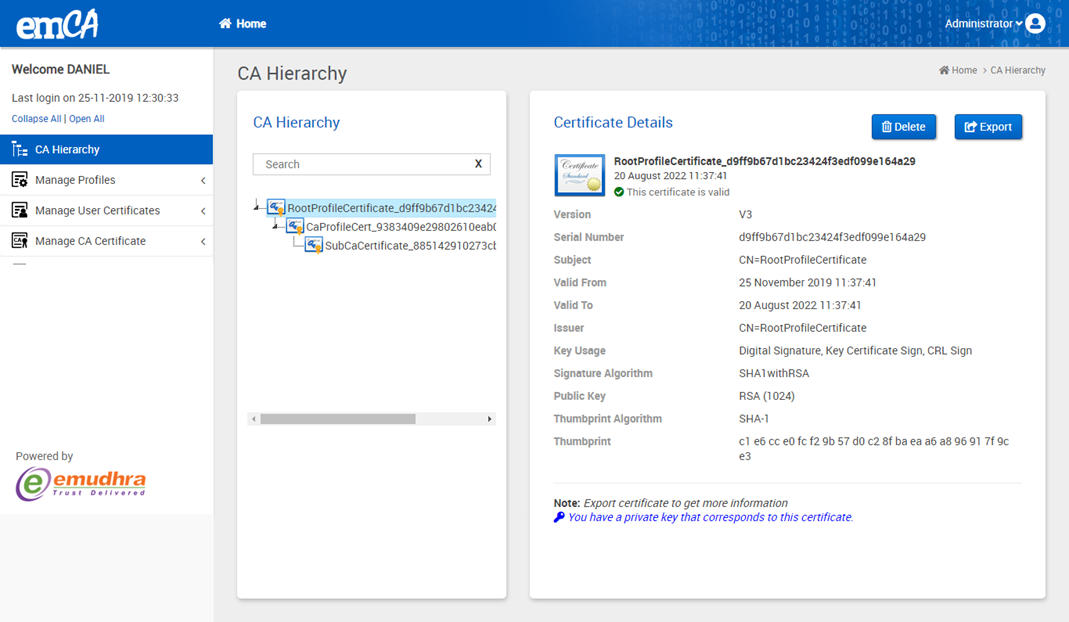
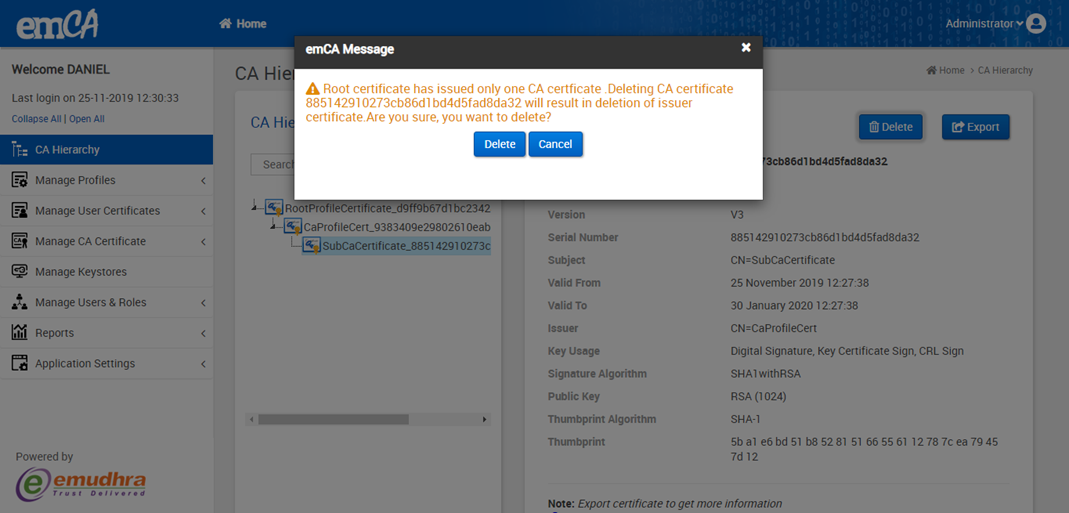
Click the "Delete" button located above each certificate's details (as shown in figure above) to display a caution message (as shown in the figure below).
After opening the message, click the "Delete" button to display a window like the one shown in the figure below.
Authenticate with your email ID and Token PIN. Click the Delete button to remove the certificate from your device.